A Modern Desktop SIP Phone Clean. Standards-Based. Professional.
A lightweight desktop softphone for Windows built with Electron. Standards-based SIP calling, clean interface, call history, and contact management — everything you need for professional voice communications.
Professional Voice Communications Made Simple
Full SIP protocol support for voice calls. Register with any standards-compliant SIP server or PBX. Make and receive calls with crystal-clear audio.
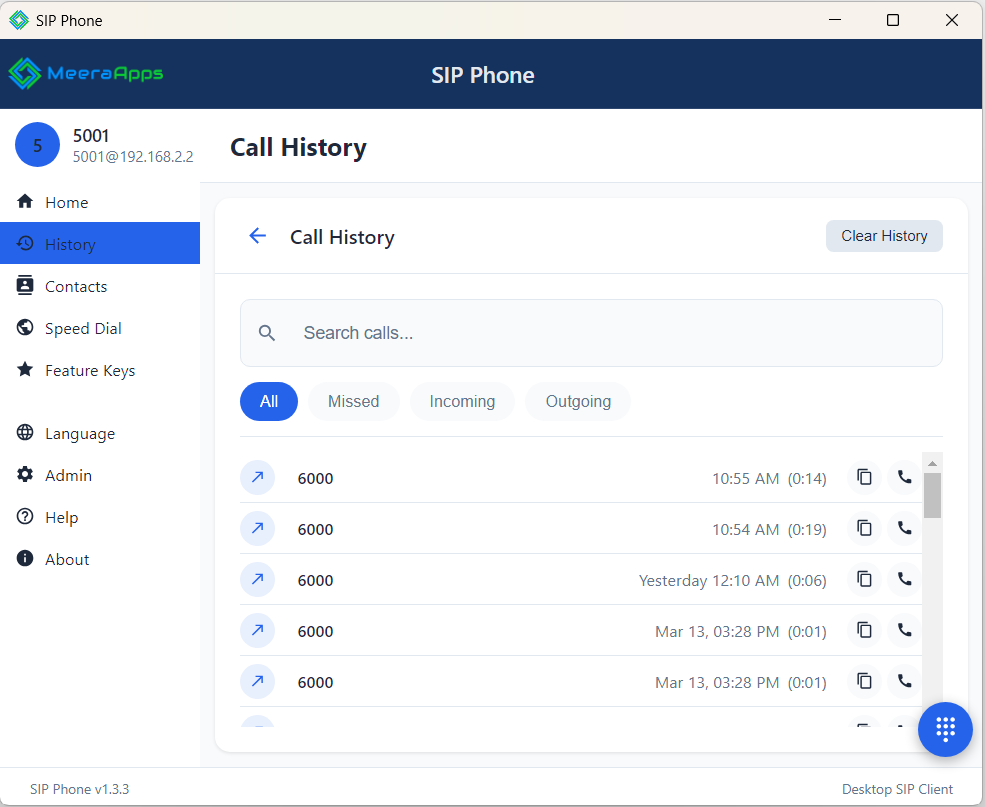
Complete call log with timestamps, durations, and call direction. Search and filter your history. One-click callback from any entry.
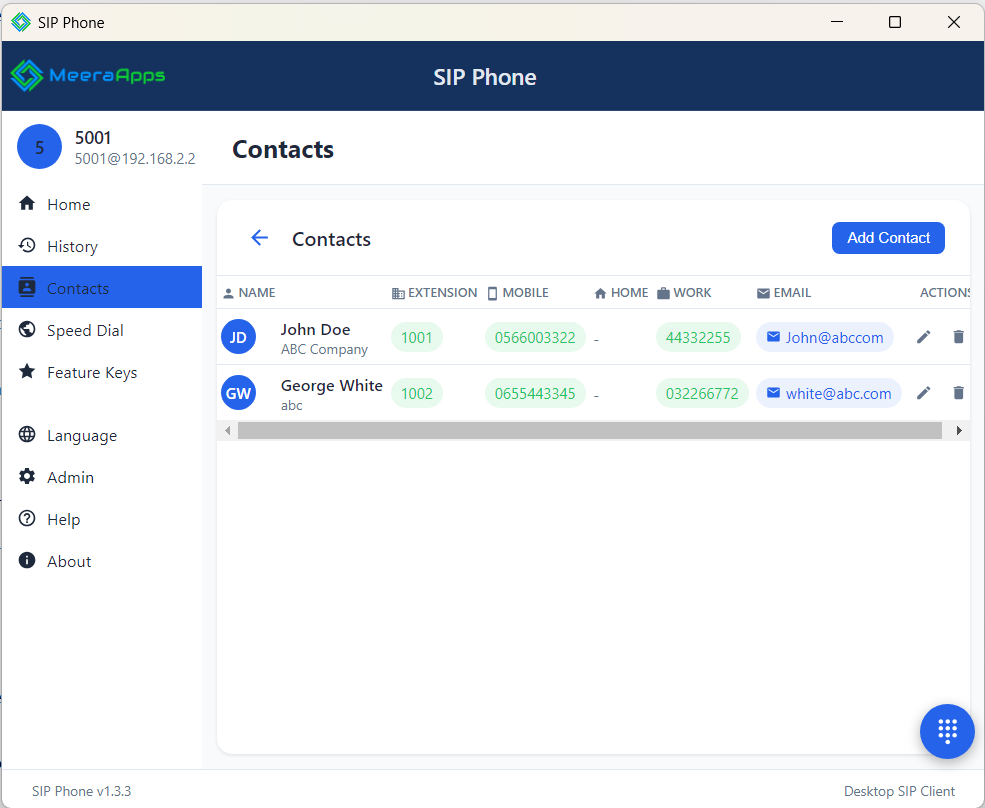
Built-in contact directory with search. Store names, numbers, and notes. Caller ID lookup shows contact names for incoming calls.
Modern, intuitive UI designed for daily use. Compact window that stays out of your way. System tray integration for background operation.
TLS transport encryption for SIP signaling. SRTP media encryption for voice. Your conversations stay private and protected.
Built with Electron for a native desktop experience. Low resource usage, fast startup, and automatic updates keep you productive.
Up and Running in Minutes
Download and run the installer. The application installs in seconds with no prerequisites or server components needed.
Enter your SIP server address, username, and password. The phone registers automatically and you are ready to make calls.
Dial from the keypad, click a contact, or call back from history. The phone handles the rest with professional audio quality.
System Requirements
- Windows 10 or later (64-bit)
- 4 GB RAM minimum
- 100 MB disk space
- Audio device (headset recommended)
- SIP-compatible PBX or VoIP provider
- Network access to SIP server (UDP/TCP 5060)
- RTP media ports (UDP 10000-20000)
- Optional: TLS (5061) and SRTP for encryption
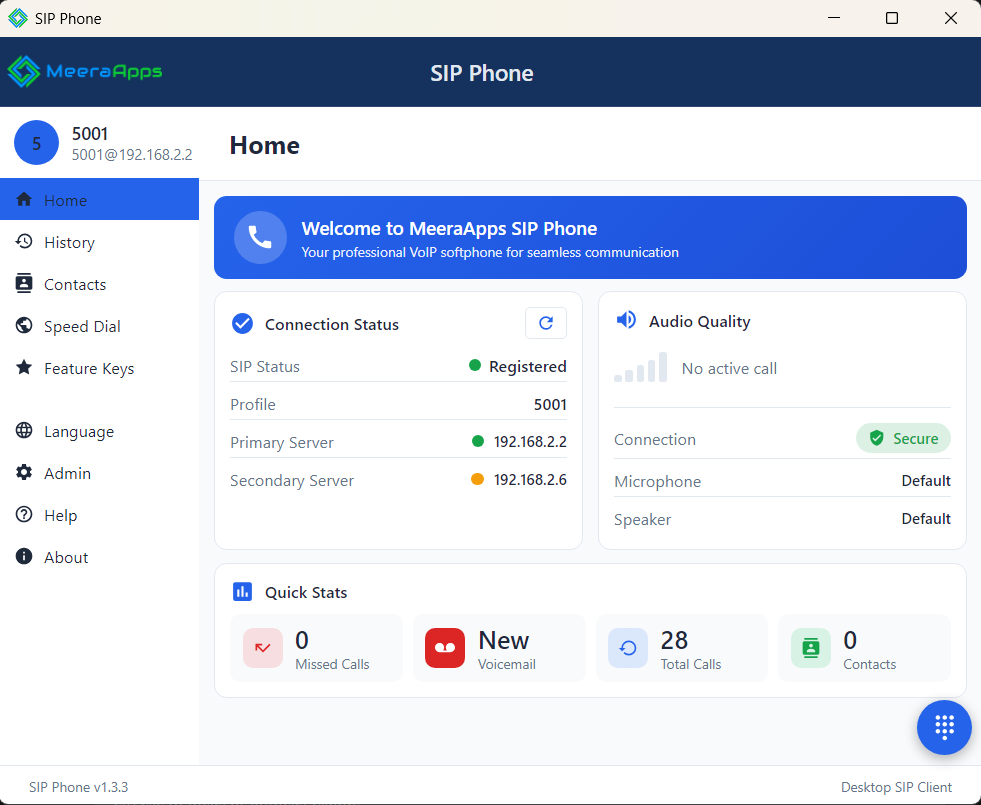
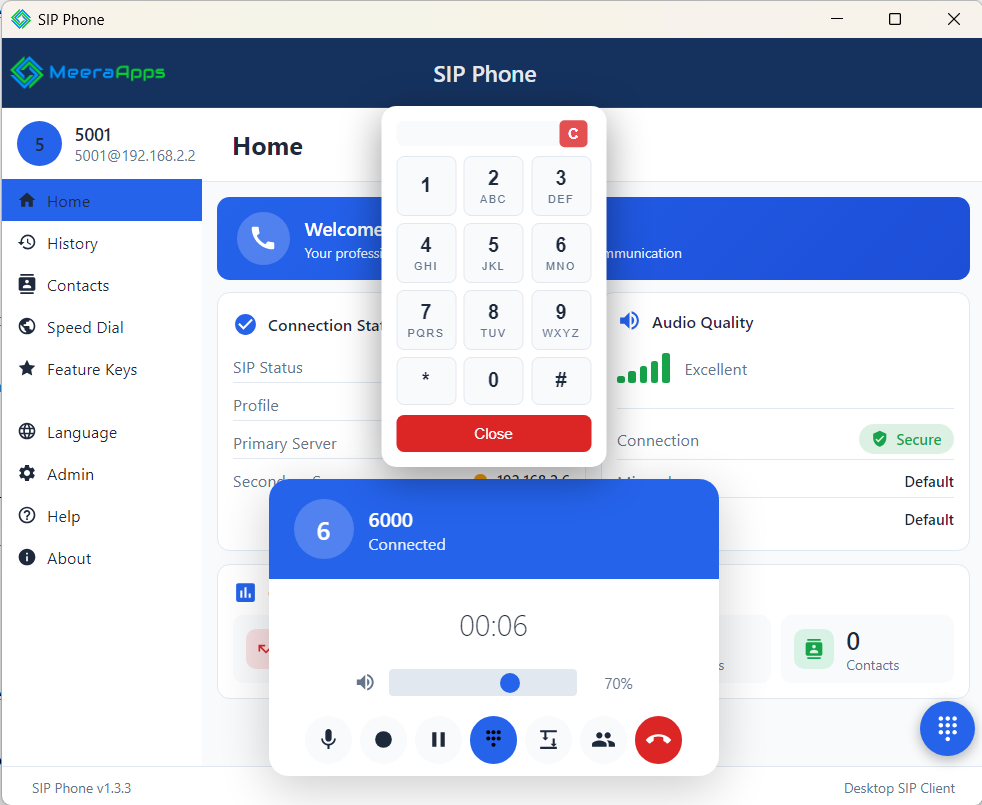
See It in Action
A closer look at the home screen, active calls, call history, and contacts.